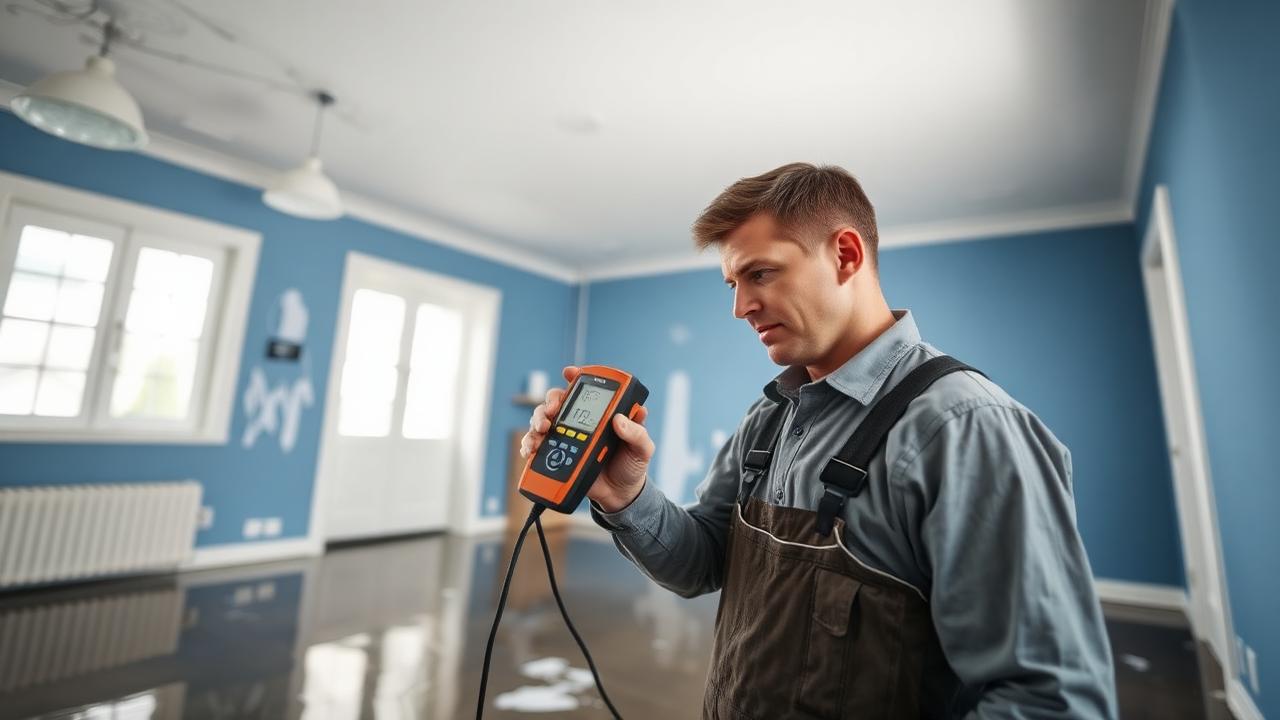
Documentation software for water damage is worth running only if it holds the same evidence a good paper drying file does, dated and on one job record: psychrometric readings with GPP, a moisture map against dry standards, equipment with unit-days, a photo timeline, the drying goals and whether they were met, and the report the adjuster reads first. An app that holds the photos and nothing else is a photo album with a login.
What does a documentation app have to capture on a water loss?
Six records, each dated and tied to the same job: readings, the moisture map, equipment, photos, drying goals and the report. The ANSI/IICRC S500 is where the industry's expectations for inspection, monitoring and drying records come from; the six items below are what those records look like in a real file. Any one an app cannot hold goes back on paper, and the job record stops being the whole story.
Affected and unaffected readings, with GPP
Temperature and relative humidity on every visit from outside, an unaffected area, the affected area and the dehumidifier intake and exhaust, with grains per pound worked out for each. The unaffected reading is the target the affected space is being pulled toward, and the grain depression between intake and exhaust is the quickest proof a dehumidifier is removing water. Relative humidity stored without GPP leaves that comparison to the adjuster.
A moisture map against dry standards
Numbered points on a sketch of each room, read with the same meter on every visit and compared with a dry standard taken from unaffected material of the same type in the same building. Without fixed point numbers a reading cannot be repeated, so it cannot show drying; without the dry standard it cannot show the material is dry.
Equipment and unit-days
Every air mover, dehumidifier and air scrubber by type and quantity, with the date it was placed and the date it was removed. Unit-days are quantity multiplied by days on site — four air movers for three days is twelve — and they are checked against the visit dates in the log. Equipment days with no readings behind them are the first to be questioned.
A dated photo timeline
Initial conditions before anything is touched, extraction, equipment placement, daily progress and final readings, each photo labelled with the room, the date and what it shows. A timestamped photo of a meter reading on a wall carries more weight than a paragraph describing it, and photos that live only on a technician's phone are not part of the file.
Drying goals, and proof they were met
A drying goal per material, set from the dry standard and written into the file before the equipment goes in, then each point marked when its latest reading reaches that goal. Completion becomes a comparison instead of an argument, and it is what justifies the day the equipment came out.
The report the adjuster reads
A summary on top of the log: date of loss and mitigation start, Category and Class with the basis for each, what was removed and why, the conditions maintained, moisture points against their goals, equipment by type with unit-days, and the completion date with a signature. It should be built from the record rather than retyped, because retyping is where dates and numbers stop matching. What adjusters look for covers the review side.
How do the free templates cover the paper version?
Three printable templates and the GPP calculator on this site cover the same records on paper, with no login.
- Drying log template — daily readings from the four locations with GPP calculated for each row, moisture points against their dry standards, equipment unit-days, and a printable mitigation report summary.
- Moisture mapping template — numbered points on a room grid with the dry standard on the page, one room per sheet.
- Water damage restoration checklist — the whole job in order, from the electrical check to the signed completion, so no part of the file is skipped.
- GPP calculator — grains per pound, dew point and vapor pressure from temperature and relative humidity, with an elevation input for jobs well above sea level.
The photo timeline is the one record paper cannot hold. On the paper version it lives in a folder or on a phone, labelled by hand and matched to the log by date.
When does software earn its place?
When the paper file stops being one file: more than one job running, more than one technician reading the same points, or photos and readings kept in different places. A single loss worked by one technician fits on the templates. The strain shows when three technicians visit the same loss on different days, each with a copy of the map, or when the report is retyped at the end from a clipboard and a phone. Every hand-off is a chance for a date or a point number to drift.
It also earns its place when the same numbers feed the estimate. Equipment is billed per day in Xactimate, and those days are justified by the monitoring log, so a file where the log, the map and the estimate disagree is the one that gets kicked back. The Xactimate guide for water damage beginners covers the line items.
Job-management software built for restoration keeps those records together. RestorationWorkflow, a sister product of this site, is one example: it keeps photos, proposals with e-signature and reports on one job record.
What should you check before choosing one?
Put a finished job through it — readings, map, photos and report — before trusting it with a claim.
- Does it store readings per point per visit, next to that point's dry standard?
- Does it calculate GPP and grain depression, or at least store them with the reading?
- Can photos be tagged by room and date and attached to the job rather than left on a phone?
- Does it record placement and removal dates for each unit and add up the unit-days?
- Does the report build from the record without retyping?
- Can the whole file be exported or printed for an adjuster who does not use the app?
- Does it keep working in a basement with no signal and sync afterwards?
Anything on that list an app cannot do goes back on paper. Until it can, print the drying log for the readings and keep the moisture map with the job, so the file an adjuster sees is still complete.
New study material by email
New study guides, tools and practice questions, sent as they are published.
No spam. Unsubscribe anytime.
Related Articles
Ready to Pass the WRT Exam?
300+ practice questions, psychrometric calculators for drying, and study modules built by restoration pros.
Need the standard itself? Purchase the ANSI/IICRC S500 →